
Betano Mobile App – Android APK & iOS Download Guide for Romania
Betano operates dedicated native applications for both Android and iOS, and this independent review covers how to obtain, install and use each version in Romania. Below you will find step-by-step download instructions, feature coverage and solutions to the most common installation problems.
Betano Mobile App – Overview
Betano offers two ways to play on a phone: a native app (Android APK / iOS) and the mobile website in a browser. The native app delivers faster loading, push notifications and biometric login, while the mobile site works without any installation. Both give access to the full account, so the Betano login in the app uses the same credentials as the desktop site.
The Betano mobile app covers the operator’s complete product range:
- Sports betting – pre-match and live markets, including live video, live goals and rapid replays promoted for the 2026 World Cup
- Casino – slots, table games, live casino, jackpot games, video poker and game shows from providers such as Pragmatic Play, Amusnet, Playtech, EGT Digital and Evolution
- Deposits and withdrawals – the full cashier, from 1 RON minimum deposit depending on the method
- Account management – KYC document upload, betting history and responsible gambling settings
The apps are rated 4.8/5 in the App Store and 4.4/5 in Google Play. Betano România is operated by Kaizen Gaming International Limited under ONJN licence L1170664W000663, valid from 01.02.2017 to 31.01.2027, so both app versions are distributed by a licensed Romanian operator. Some users search for a Betano WhatsApp contact; support is officially provided through live chat, phone 0316 301 015, a contact form and Facebook Messenger, all in Romanian.
Download Betano for Android – APK
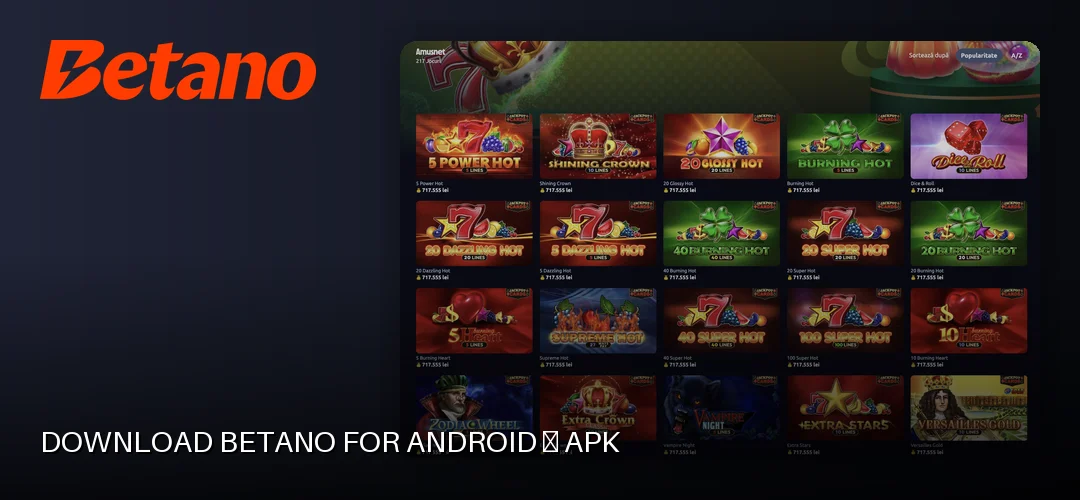
The Betano Android app is available through Google Play, and the operator also distributes the APK file directly from its mobile website – useful if the Play Store listing is unavailable on a given device. Only download the APK from the official Betano site; third-party mirrors carry a real risk of tampered files.
How to Download the Betano APK
- Open the official Betano website in your phone’s browser and tap the Android app / download link.
- If installing the APK directly, enable installation from unknown sources: Settings → Security (or Apps → Special access) → allow your browser to install unknown apps.
- Download the APK file and wait for the transfer to finish.
- Tap the downloaded file, confirm the installation, then open the app and log in with your Betano account.
To get the latest version of the Betano app, the Google Play route is simplest because updates install automatically. The direct APK route requires manual updating, described below.
Updating the Android App
When a new version is released, the app typically prompts you with an in-app notification. If you installed via Google Play, the update runs in the background like any other app. If you installed the APK manually, download the newest APK from the official Betano site and install it over the existing version – your login and settings are preserved.
Download Betano for iOS – iPhone & iPad
The Betano app for iOS is listed in the Romanian App Store and works on iPhone and iPad. Installation is standard:
- Open the App Store on your device.
- Search for “Betano” and verify the developer is the licensed operator.
- Tap Get and confirm with Face ID, Touch ID or your Apple ID password.
- Open the app and log in, or create an account directly in the app.
iOS updates are handled automatically by the App Store, so iPhone users always run the latest version without manual steps.
Betano App Features
- Live and pre-match betting – full market coverage with live video integration, live goals and rapid replays. Detail on the sports offer: Pariuri Sportive.
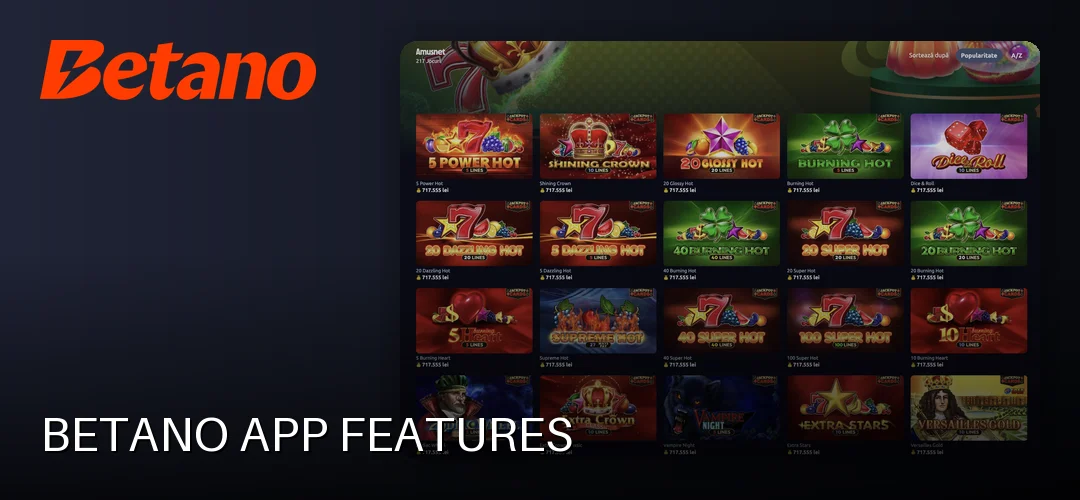
- Casino section – slots, table games, live dealer tables and jackpots; the dedicated casino page is covered here: Betano game library.
- Mobile cashier – deposits via bank card (Visa, Mastercard, Maestro), Revolut, Google Pay, Apple Pay, Skrill, Neteller, Paysafecard, OKTO.Wallet, Aircash, Betano Cash and bank transfer, from 1 RON. Withdrawals are processed via the method previously used for depositing, often within about 1 minute for cards, Apple Pay, Google Pay, Skrill, Neteller, Paysafecard and OKTO.Wallet.
- Push notifications – alerts for odds changes, settled bets and promotions.
- Live streaming – selected matches watchable in-app.
- Biometric login – Touch ID / Face ID on iOS and fingerprint on Android.
New players installing the app can claim the operator’s welcome offer: up to 15.000 RON bonus plus 1.000 free spins at 0.50 RON stake across the first 4 deposits (minimum deposit 50 RON), plus 200 free spins without deposit at 20 Burning Hot Clover Chance with 1x wagering and a 25 RON freebet on account verification. The promo code listed by the operator is PEBUNE; the bonus section expires in 30 days, spins in 7 days, and the no-deposit spins in 3 days.
The Betano Strike App
Betano Strike is a secondary application distributed by the operator alongside the main app. It focuses on a streamlined, fast-access betting experience, whereas the main Betano app contains the full sportsbook and casino product. Strike is obtained the same way – Android users download it from the official Betano site, and login uses the same Betano account credentials.
Mobile Site vs. App
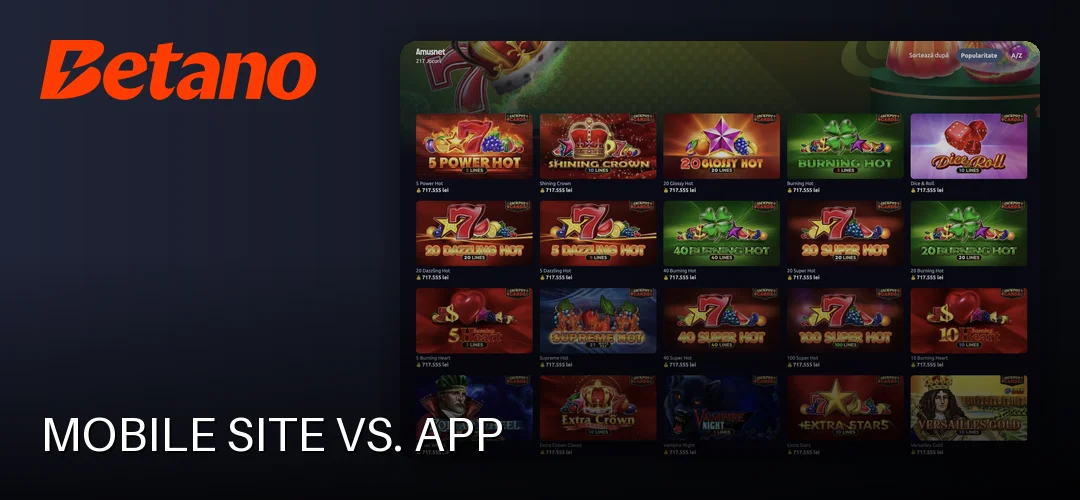
The app is the better choice for regular betting and live streaming. The mobile site suits occasional use, devices with limited storage, or a quick odds check without installing anything. The operator also maintains a Facebook presence with Messenger support, but betting itself happens in the app or on the website.
Common Problems and Solutions
- The app won’t install – check that installation from unknown sources is enabled for your browser (APK route), and that enough free storage exists.
- The app won’t open or crashes – clear the app cache; if that fails, uninstall and reinstall the latest version.
- Login problems – use the password reset function in the app; also confirm the account passed KYC verification (identity document, proof of address and proof of payment method), which is mandatory before withdrawals.
- Update failed – delete the old APK and download a fresh one from the official Betano site, or update via Google Play / App Store.
If none of the above works, Betano support is reachable via live chat, phone 0316 301 015, the contact form and Facebook Messenger, in Romanian.
Frequently Asked Questions about the Betano App
How do I download the Betano app on Android?
Open the official Betano website on your phone and tap the Android download link, or search for Betano in Google Play. For the APK route, allow installations from unknown sources in your Android settings, download the file and tap it to install.
Is there a Betano app for iOS?
Yes. The Betano app is available in the Romanian App Store for iPhone and iPad, rated 4.8/5. Search for Betano, verify the developer, tap Get and log in with your existing account or register directly in the app.
Is it safe to download the Betano APK?
Yes, provided the APK comes from the official Betano website. The operator is licensed in Romania by the ONJN under licence L1170664W000663. Avoid third-party APK mirrors, which cannot be verified and may contain modified files.
How do I update the Betano app?
Google Play and App Store installations update automatically. For a manually installed APK, download the newest version from the official Betano site and install it over the existing app – your account data and settings remain intact.
Can I bet live from the Betano app?
Yes. The app includes the full live betting section with live video streaming, live goals and rapid replays. In-play markets, cash-out and the live casino with real dealers are all accessible from the same interface.
Does the Betano app use a lot of battery?
The app is optimised for sustained use, and battery consumption is comparable to other streaming or sports apps. Live video streaming is the most demanding feature; standard betting and casino play consume noticeably less power.
What do I do if the Betano app won’t install?
On Android, enable installations from unknown sources for your browser and check free storage space. Re-download the APK in case the file was corrupted. On iOS, restart the device and retry from the App Store. Support is available via live chat if problems persist.
Can I make deposits from the Betano app?
Yes. The in-app cashier supports bank cards (Visa, Mastercard, Maestro), Revolut, Google Pay, Apple Pay, Skrill, Neteller, Paysafecard, OKTO.Wallet, Aircash, Betano Cash and bank transfer, with deposits starting from 1 RON depending on the method chosen.
The Betano app covers the full sportsbook and casino, installs in a couple of minutes and handles deposits from 1 RON. Download the version for your device and claim the welcome package through the link below.